Antimatter Dimensions Secret Achievements: All & Easy Guide
This Antimatter Dimensions secret achievements guide separates the all-achievements checklist from normal progression, highlights easy early unlocks, explains platform differences, and answers the Doom access question cautiously.
Short answer: For an all secret achievements checklist, collect harmless early unlocks when convenient, keep progressing through Infinity, Eternity, and Reality, and return to the full list only after checking the current game version and platform.
This Antimatter Dimensions secret achievements guide is written for searchers who want practical instructions instead of a raw list. The game already has official community resources with complete achievement data, but a new player usually needs a safer order: what to do early, what to ignore for now, what is platform-sensitive, and what terms like “A New Beginning” actually mean.
Quick Navigation
What Players Want from an All Secret Achievements Guide
Searchers usually want one of three things: all secret achievements in a checklist, an easy first achievement, or an answer about a specific condition such as Doom. This page gives the decision framework without turning normal achievement intent into a second topic.
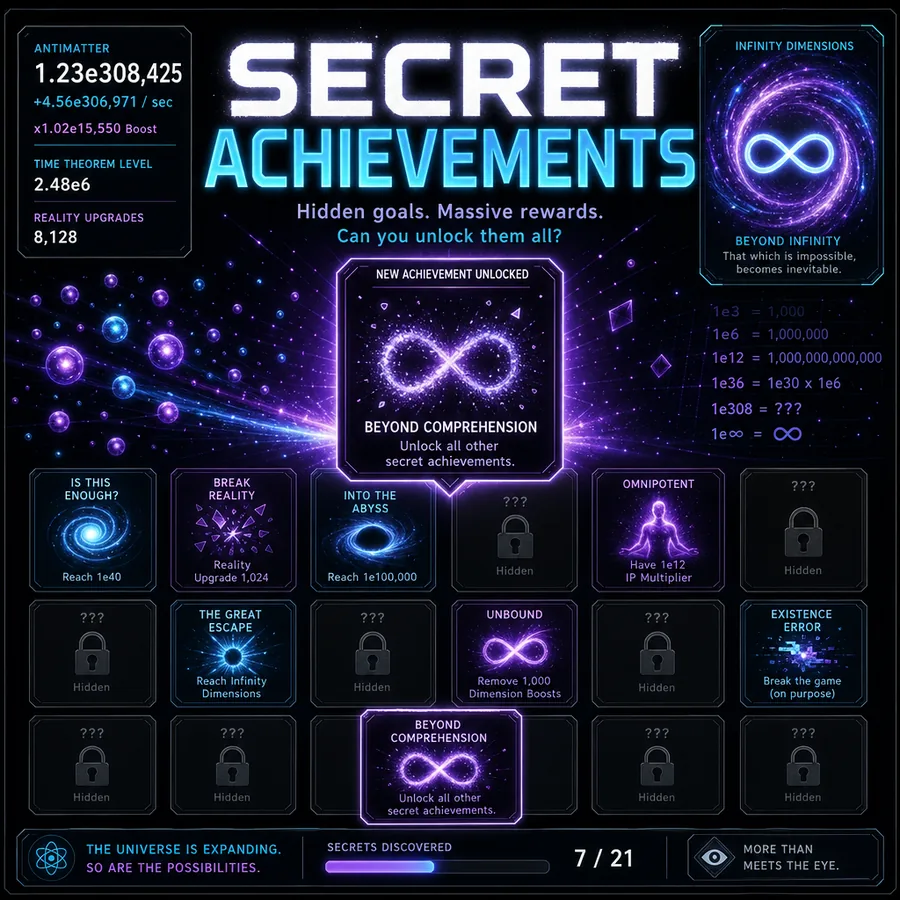
The important distinction is that Antimatter Dimensions has both normal achievements and secret achievements. Normal achievements are tied to progression milestones, currency thresholds, challenge completions, or broader mechanics. Secret achievements are usually hidden until you trigger them, and many are tied to unusual actions outside the normal production loop.
Best way to use this page
Use the early unlock table first, then keep progressing normally. When you are trying to complete the entire achievement collection, cross-check the latest community wiki because achievement names and platform details can change between versions.
Normal Achievements vs Hidden Achievements
Normal achievements reward visible progress: reaching antimatter thresholds, buying dimensions, completing challenges, earning Infinity Points, and moving through later prestige systems. Secret achievements reward curiosity. You may need to click a specific interface element, type a code, interact with the browser console, or do something that looks unrelated to efficient play.
| Achievement type | How you usually unlock it | How to approach it |
|---|---|---|
| Normal achievementsExamples: early production, dimensions, Infinity milestones | Progress through the main game systems and complete visible goals. | Let these happen naturally unless you are following a speed route. |
| Secret achievementsExamples: interface tricks, hidden inputs, joke conditions | Do a hidden action that the game does not explain upfront. | Use a checklist after you understand the interface, so you do not interrupt your run. |
| Platform-sensitive achievementsSome actions behave differently on browser, Steam, or mobile | Depend on keyboard input, console access, or version-specific behavior. | Check whether your platform supports the exact input before assuming you are stuck. |
For current reference data, the community achievement pages are useful because they separate normal achievement rows from hidden ones. For a fan page like this one, the better job is to translate that data into an order that makes sense during actual play.
Easy Secret Achievements to Get First
The best easy secret achievements are low-risk actions involving a harmless interface click, input, display setting, or desktop-only joke. Use them as optional clues, then verify exact wording in the current achievement list because versions and platforms can differ.
| Secret achievement pattern | Typical action | When to try it |
|---|---|---|
| Clicking a hidden achievement tile | Some secret achievements are unlocked by directly interacting with the achievement area. | After you know where achievements are shown. |
| Entering a famous code | Keyboard-code achievements are quick on desktop but can be awkward on mobile. | Browser or Steam desktop sessions. |
| Typing a joke value | Some hidden achievements trigger when you enter a specific number into an input field. | Once autobuyer or relevant input boxes are available. |
| Opening developer tools | One well-known joke achievement references opening the browser console. | Desktop browser only; skip it on platforms where console access is not practical. |
| Changing presentation settings | A few hidden conditions are tied to display, notation, or interface choices. | Any time, but restore your preferred settings afterward. |
The safe rule is simple: if a secret achievement asks you to click, type, open a harmless panel, or change a visual setting, it is fine to try early. If it asks you to change run strategy, sacrifice progress, or rely on a later mechanic, postpone it until you understand the cost.
Spoiler-Safe Secret Achievement Levels
Secret achievement searches often mix two different intents: players who want a hint and players who want a full checklist. Use these levels to decide how much help you want before looking up exact row-by-row conditions.
| Spoiler level | Use it when | What to do next |
|---|---|---|
| Hint only | You want the discovery feeling but need a direction. | Look for interface clicks, harmless keyboard inputs, notation changes, or visible settings before checking exact names. |
| Low-risk checklist | You are before or shortly after first Infinity. | Collect actions that do not spend major progress: simple clicks, harmless text inputs, save/export actions, and display settings. |
| Full checklist | You are cleaning up completion after learning Infinity, Eternity, and Reality systems. | Use the wiki achievement table and keep an exported save before testing unusual conditions. |
| Platform troubleshooting | A condition works on desktop guides but not on your device. | Check whether the achievement needs keyboard input, browser console access, window resizing, or a version-specific interface. |
Best practical order
Start with hints and low-risk actions, then use a full checklist only when you are ready for completion cleanup.
Is “A New Beginning” a Secret Achievement?
No. A New Beginning is a normal early achievement in Antimatter Dimensions, not a secret achievement. It appears in searches because players often see it mentioned near the start of achievement discussions and assume it belongs to the hidden list.
The practical takeaway is that you should not look for a hidden trick for this one. If you are searching for antimatter dimensions a new beginning achievement, treat it as part of the normal early progression path. Keep buying dimensions, producing antimatter, and following the visible achievement grid. Secret achievement hunting is a separate task.
Do not over-optimize the first hour
The first stretch of Antimatter Dimensions teaches the production loop: buy dimensions, upgrade tickspeed, unlock more dimensions, use Dimension Boosts, and work toward your first Antimatter Galaxy. Achievements should support that loop, not replace it.
Recommended Order for Achievement Hunting
If you want an efficient but low-stress route, split achievement hunting into phases. This avoids the common beginner mistake of chasing hidden jokes while ignoring the mechanics that actually accelerate the run.
Phase 1: Before First Infinity
Focus on learning dimensions, tickspeed, Dimension Boosts, Dimensional Sacrifice, and Antimatter Galaxies. If Sacrifice timing feels unclear, read the Antimatter Dimensions Dimensional Sacrifice guide before optimizing hidden achievements. During this phase, only collect secret achievements that require simple interface actions. Do not delay major production upgrades just because one hidden tile remains locked.
Phase 2: After First Infinity
Once Infinity Points and autobuyers enter the picture, you can safely pick up achievements tied to input fields, automation settings, and repeatable resets. This is also a good time to make a save backup before experimenting. Use the Antimatter Dimensions save editor as a backup and inspection tool, not as a shortcut for unknown edits.
Phase 3: During Eternity and Reality
Later progression opens more systems, more automation, and more ways to accidentally waste time. At this stage, hidden achievements become a checklist activity. If an achievement requires a strange setup, export your save first, test the condition, and then decide whether to keep the run state.
Phase 4: Completion Cleanup
When the main game systems are familiar, use a complete checklist from the community wiki to clean up anything left. This is where it makes sense to chase platform-specific, console-related, or intentionally silly achievements. You will understand the cost of each action and can restore your setup afterward.
Browser, Steam, and Mobile Differences
Some secret achievements depend on controls that are not equally available everywhere. A desktop browser or Steam session usually handles keyboard sequences, console jokes, and precise settings more easily than mobile.
- Use desktop browser or Steam when a hint mentions keyboard codes, developer tools, window size, or typing into a specific field.
- Use mobile for normal progression achievements and simple interface interactions, but do not assume every desktop-only hidden action has a mobile equivalent.
- Export a save before testing joke imports, strange settings, or challenge-specific conditions so you can return to the main run cleanly.
- When an old guide names an achievement that no longer appears, verify it against the current wiki because removed or renamed achievements can still appear in forum posts.
This is why the page avoids pretending that one exact input order works equally well on every platform. The safest workflow is to identify the pattern, confirm your platform supports it, and then test with a backup.
Late Secret Achievement Cleanup Without Breaking a Run
After Eternity or Reality, secret achievement searches usually change from hints to the last hidden tiles. Do not edit achievement flags directly. Use a checklist, test one condition at a time, and export a save before platform-sensitive jokes, console actions, window-size conditions, or import-bar phrases.
If an old guide mentions an achievement that is removed, renamed, or impossible on your platform, treat it as a version check rather than forcing the save.
| Search intent | Add to this page as | Why |
|---|---|---|
| exact secret achievement checklist | supporting section | Fits the same hidden-achievement intent without replacing the main achievements guide. |
| mobile secret achievement not triggering | FAQ and platform note | Often caused by keyboard, console, or window-size requirements. |
| all achievements route | future page flag | Broader normal-achievement routing belongs on the achievements page. |
All Secret Achievements: Checklist Without Version Confusion
A complete list is useful only when it tells you which hidden achievements are safe early, which should wait, and which conditions are platform-specific. Use this page for order and risk, then use the current community reference for exact names and rows.
For verification, use the current community resources when you need the exact latest name or row number. For play order, keep the broader rule in mind: secret achievements are side goals. Infinity, Eternity, and Reality are the backbone of Antimatter Dimensions progression.
Internal and External Resources
To continue from here, use these resources based on what you are trying to do next:
- Play Antimatter Dimensions online if you want to test a harmless hidden achievement immediately.
- Read the main achievements guide for visible progression achievements and row rewards.
- Review Dimensional Sacrifice timing before chasing achievement setups that change early-run progress.
- Back up your save before experimenting with achievement conditions.
- Check the current wiki achievements reference for exact achievement names, rows, and version details.
FAQ
Bottom line: secret achievements are fun completion targets, but they are not the main route through Antimatter Dimensions. Get the harmless early ones, keep a backup before experimenting, and return to the full hidden achievement checklist once your core progression is stable.